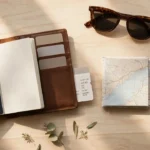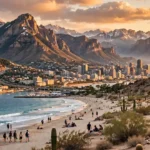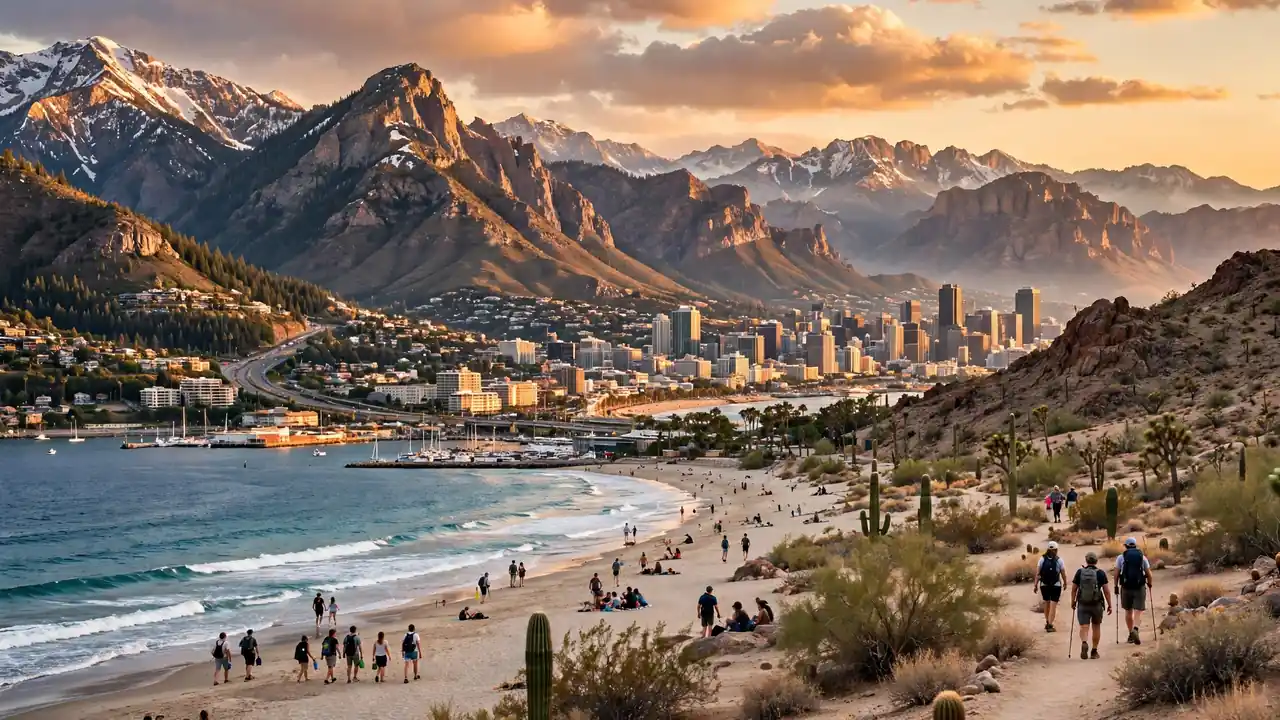
Travel images are photos, illustrations, or graphics that show places, trips, and adventures. To find the best ones, search free libraries like Unsplash, Pexels, and Pixabay, filter by size and orientation, check the license, then download the file type you need: JPG for photos, PNG for transparent graphics.
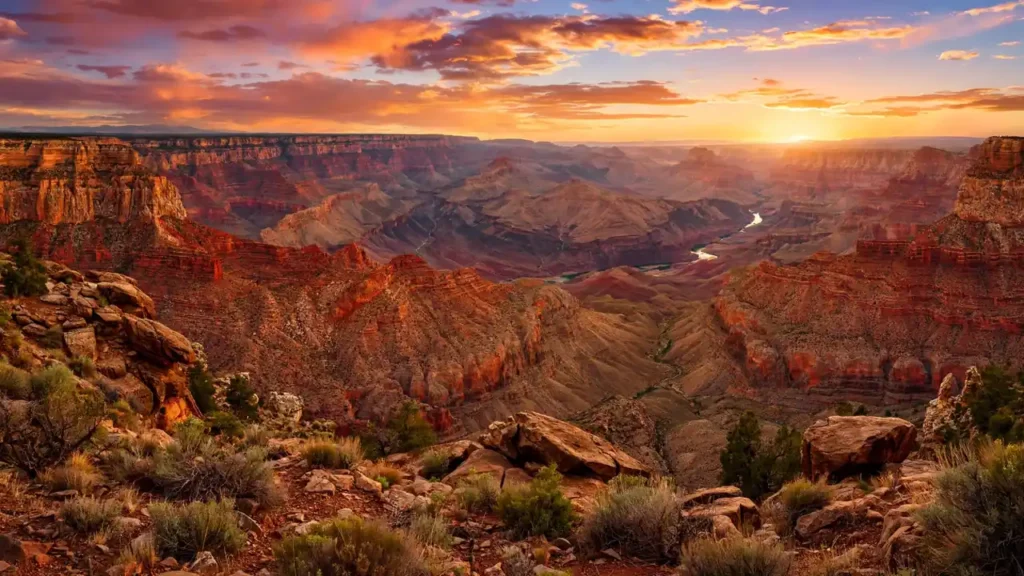
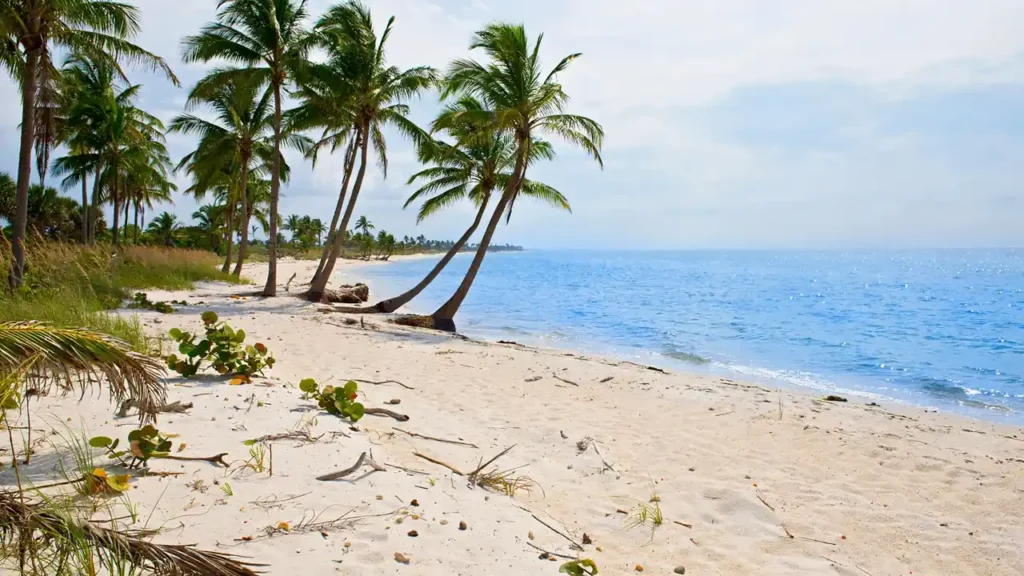
A great trip photo can make you want to book a flight in seconds. A sunset over the Grand Canyon or a quiet beach in Florida can lift a whole screen. But finding the right picture is not always easy.
Many people search for travel images and land on blurry files, locked downloads, or pictures with unclear rules. Others grab a photo, then learn it was not free to use. That wastes time and can cause real trouble.
This guide fixes those problems. It explains where to find sharp travel images, how to download them the right way, and which file type fits each job. It also covers WhatsApp sharing, cartoon styles, and the best photo spots across the USA. Read on, and every image you choose will look great and stay safe to use.
Feature Snippet:
Travel images are photos, illustrations, or graphics that show destinations, trips, and adventures. You can find free travel images on sites like Unsplash, Pexels, and Pixabay. Before downloading, check the image license, choose the right size and orientation, and use JPG for photos or PNG for transparent graphics.
Quick Facts: Travel Images at a Glance
Travel images come in a few main file types and sizes. Each one fits a different job, from phone wallpapers to blog headers. The table below shows the basics, so you can pick the right option fast.
| Need | Best Format | Good Size |
|---|---|---|
| Phone wallpaper | JPG | 1080 x 1920 px |
| Desktop wallpaper | JPG | 1920 x 1080 px or larger |
| Blog header | JPG or WebP | 1200 x 630 px or larger |
| Logo or sticker | PNG | Any, with a clear background |
| WhatsApp chat | JPG | Under 1 MB for fast sending |
| Print poster | JPG or TIFF | 3000 px wide or more |
Tip: Sizes change by site and device, so check the pixel size before you download.
Travel Images HD
HD travel images are sharp photos with enough pixels to look clear on large screens. Full HD means 1920 x 1080 pixels, and 4K means 3840 x 2160. Higher pixel counts give you more detail, so zoomed or printed photos stay crisp.
Start with the size you need. A phone wallpaper does not need a giant file. However, a desktop background or a print will look soft if the image is too small.
Here is how to spot a truly sharp image:
- Check the pixel size on the download button before you save it.
- Zoom in to 100% and look at edges, leaves, and signs.
- Skip images with heavy filters or visible blocky spots.
- Pick the original size when a site offers several options.
Also, remember that bigger files load more slowly. Blog owners should resize large photos before uploading them.
Travel Images Free
Free travel images are photos you can use without paying, but each site sets its own rules. Unsplash, Pexels, and Pixabay are popular choices. All three offer their own free licenses, which usually allow personal and commercial use. Always read the current terms first.
Here are trusted places to look:
- Unsplash: Large, artistic photos from many photographers.
- Pexels: Photos and short videos with simple search filters.
- Pixabay: Photos, vectors, and illustrations in one place.
- Wikimedia Commons: A huge library, but licenses vary by file, so check each one.
- National Park Service (nps.gov): Many park photos are offered for public use, but credit lines differ, so read each caption.
- Library of Congress: Historic travel and landscape photos, with rights details on each record.
Free does not always mean no rules. Some licenses ask for credit. Others limit selling the photo by itself. Because policies change, confirm the license on the official page before you publish.
Travel Images Download
To download travel images safely, use the official button on a trusted photo site. Pick the size you need, save the file to your device, and keep a note of the photographer and license. Avoid random pop-up sites, since they may hide harmful files.
Follow these simple steps:
- Search a trusted site with a clear phrase, such as “Grand Canyon sunrise.”
- Filter by orientation: horizontal for websites, vertical for phones.
- Open the photo and read the license box.
- Click the official download button and choose a size.
- Rename the file with plain words, such as grand-canyon-sunrise.jpg.
- Save the photographer’s name and link in a note.
On a phone, long-pressing an image in a browser often saves it, but that does not give you rights to use it. Go through the site’s download button when you can.
Safety check: Do not open files ending in .exe or .zip from unknown sites. Real photos arrive as JPG, PNG, WebP, or similar image files.
Travel Images for WhatsApp
Travel images for WhatsApp should be small, clear, and easy to open. WhatsApp compresses photos sent as normal pictures, which can make them look soft. To keep full quality, send the image as a document, or turn on the HD option in the chat if your app offers it.
Here are quick ways to share better travel pictures:
- Send as a document: Tap the attach icon, choose Document, then pick the image. This keeps the original file.
- Use the HD option: Newer versions of the app let you choose HD when you send a photo. Settings can change, so check your app.
- Use vertical images: Tall pictures fill a phone screen better for Status posts and wallpapers.
- Add a short caption: A place name and a date make a photo feel personal.
For group chats, pick bright, simple images. Busy photos with tiny details often lose their charm on small screens. Also, avoid forwarding images you do not have the right to share, especially if you post them to a public channel.
Travel Images Cartoon
Cartoon travel images are drawings or digital art that show trips in a fun, simple style. Kids love them, and they work well for invitations, classroom posters, and social posts. Many free libraries include cartoon vectors, but license rules still apply to each file.
Good uses for cartoon travel art:
- Family trip planners: Add a cartoon map or suitcase to a printed checklist.
- Classroom projects: Use cartoon landmarks like the Statue of Liberty or a national park sign.
- Social posts: Bright cartoon scenes stand out in busy feeds.
- Kid-friendly blogs: Illustrations feel warm and easy to read.
You can search Pixabay or Freepik-style libraries for “travel cartoon,” “vector suitcase,” or “cartoon road trip.” Some sites need credit, so read the terms. Alternatively, design your own in a tool like Canva, which has both free and paid elements.
Travel Images PNG
PNG travel images are files that can keep a clear, see-through background. That makes them perfect for stickers, icons, planners, and slides. PNG files are usually larger than JPG files, so use them only when you need transparency or sharp edges.
Choose PNG when you want to:
- Place a plane, suitcase, or map pin on top of another picture.
- Build a travel poster with layered graphics.
- Keep text and lines crisp in an infographic.
- Edit an image many times without losing quality.
Check the background before downloading. Some sites show a checkerboard pattern, which often means the background is truly transparent. Others only fake it, and the white box stays behind the image. Test the file in a slide or design app first.
Travel Images JPG
JPG travel images are the best choice for most photos. The format squeezes a picture into a small file while keeping colors and details looking good. Because of that, JPG loads fast on websites and sends quickly in chat apps.
Use JPG for:
- Landscape and city photos with many colors.
- Blog headers and social media posts.
- Email and messaging.
- Phone and desktop wallpapers.
One warning: every time you edit and re-save a JPG, it can lose a little quality. Keep an untouched original copy. Then, export a fresh JPG each time you need a new size.
JPG or PNG? Pick JPG for photos. Pick PNG for graphics, logos, and anything that needs a see-through background.
Best Travel Images
The best travel images tell a story, not just show a place. They have good light, a clear subject, and a sense of being there. Golden hour, the hour after sunrise and before sunset, often gives the warmest and softest look.
Here is what makes a travel photo stand out:
- Clear focus: One strong subject, like a lighthouse or a canyon edge.
- Great light: Early morning and late afternoon bring rich color.
- Depth: Something close, something in the middle, and something far away.
- People for scale: A hiker beside a cliff shows how big the view is.
- Clean edges: Straight horizons and no clutter in the corners.
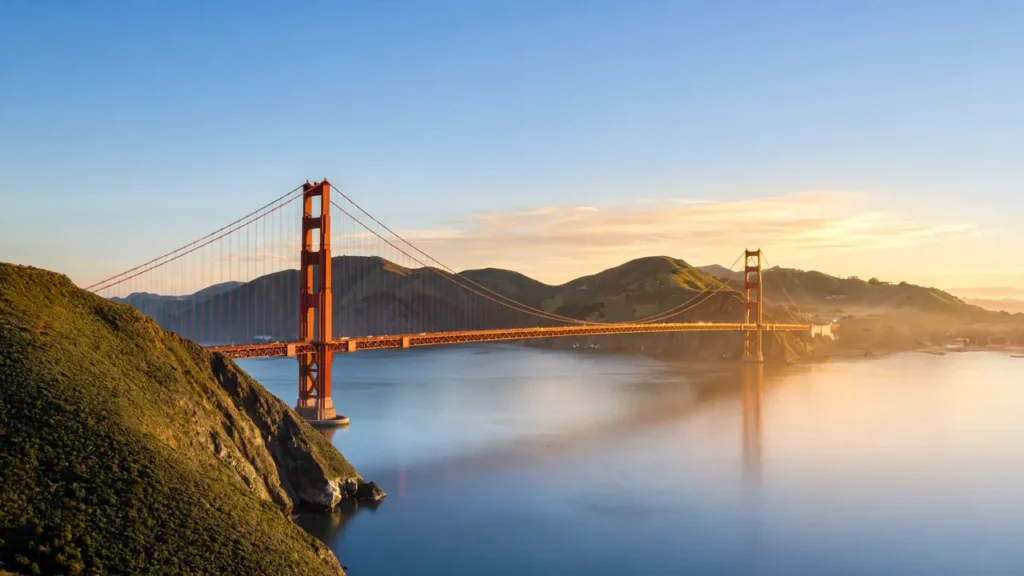
For ideas, look at famous American views. Golden Gate Bridge in San Francisco, Zion National Park in Utah, Cadillac Mountain in Acadia National Park in Maine, and Monument Valley on the Arizona-Utah border all draw photographers. Some spots, such as Antelope Canyon, require a guided tour, so check official pages before you plan a shoot.
How to Check a Photo License
A photo license tells you what you can and cannot do with an image. Before using any picture, read the license on the download page. Look for words like “free for commercial use,” “attribution required,” or “editorial use only.”
A short checklist can save you trouble:
- Is credit required?
- Can the photo be used on a business website?
- Can it be edited, cropped, or put on products?
- Does it show people, logos, or private property?
Photos with recognizable faces or brand logos may need extra permission. If the rules feel unclear, choose another picture. This article gives general information only, not legal advice, so verify details on each official site.
Image Tips for Travel Bloggers
Travel bloggers should use sharp, light, well-labeled images. Large files slow down pages, and missing descriptions hurt both readers and search engines. A few small habits make a big difference.
- Resize first. A blog image rarely needs to be wider than the page it sits on.
- Compress. Modern formats like WebP often make files smaller without a clear drop in quality.
- Write alt text. Describe what the photo shows in plain words, such as “hikers at sunrise on Cadillac Mountain.”
- Use clear file names. Try zion-narrows-hike.jpg instead of IMG_4832.jpg.
- Add captions. Readers often scan captions before the main text.
Google’s image guidelines also suggest placing images near related text and using descriptive file names. Check Google Search Central for the latest advice.
Common Mistakes to Avoid
The most common mistakes with travel images are using unlicensed photos, picking tiny files, and ignoring file size. Each one is easy to fix once you know what to watch for.
- Mistake: Saving any photo from search results. Fix: Use trusted libraries and read the license.
- Mistake: Choosing a low-quality thumbnail. Fix: Open the full-size page and check the pixel count.
- Mistake: Uploading huge files to a website. Fix: Resize and compress before upload.
Another slip is forgetting credit when a license asks for it. Add the photographer’s name and a link near the image to stay on the safe side.
Underrated Alternatives to Stock Photos
Stock sites are great, but other sources can feel fresher and more personal. Your own photos, local tourism boards, and public archives often offer unique images that other websites do not use.
- Your own camera roll: A phone photo from a real trip feels honest and original.
- State tourism boards: Many have media pages with press-ready images. Read their terms first.
- Public archives: The Library of Congress holds vintage American travel scenes, with rights notes on each record.
These options also help your content stand out. Readers notice when every site uses the same stock photo.
FAQs
Where can I find free travel images?
You can find free travel images on Unsplash, Pexels, Pixabay, Wikimedia Commons, and the National Park Service website. Each source has its own rules for credit and commercial use. Always read the license on the photo page before you download or share it.
Are travel images from Google free to use?
No, images in Google search results are not automatically free to use. Most belong to their creators. Use the usage rights filter in Google Images, then confirm the license on the original site before you download, post, or share the photo.
What size is best for HD travel images?
For full HD screens, 1920 x 1080 pixels works well. For 4K screens, aim for 3840 x 2160 pixels. Phone wallpapers often look best near 1080 x 1920 pixels. Choose a larger size if you plan to print or zoom in.
Is PNG or JPG better for travel photos?
JPG is usually better for photos, since it keeps files smaller and loads fast. PNG is better if you need a transparent background or crisp graphics. For a wallpaper or a blog banner, use JPG. For stickers, posters, or overlays, use PNG.
How do I send travel images on WhatsApp without losing quality?
Send the image as a document instead of a regular photo. Tap the attach icon, choose Document, and pick your file. Some app versions also offer an HD option when you send a photo. Settings can change, so check your app.
Can I use travel images on my blog or business site?
You can if the license allows it. Many free libraries permit commercial use, but some require credit or limit certain uses. Read the license on each image page. If the terms are unclear, choose another photo or ask the creator.
How can I tell if a travel image is high quality?
Open the image at full size and zoom in. Sharp edges, natural colors, and clear details are good signs. Blurry text, strange grain, or blocky spots mean low quality. Also check the pixel size listed on the download page.
What makes a travel image good for social media?
A strong subject, bright light, and the right shape make travel images work on social media. Vertical images suit Stories and Reels covers, while horizontal photos suit blogs. Keep the main subject in the center so apps do not crop it out.
Are cartoon travel images safe for kids’ projects?
Cartoon travel images are often a good fit for kids’ projects, since the style is friendly and clear. Still, check each file’s license, even for school use. Choose art from trusted libraries and avoid images with brand logos or hidden links.
How do I avoid fake or harmful download sites?
Stick with well-known photo libraries and use their official download buttons. Avoid pop-ups, forced app installs, and files ending in .exe. If a site asks for payment details for a “free” image, leave it and pick another source.
How should I name and describe travel images for SEO?
Use plain, descriptive file names, such as acadia-sunrise-cadillac-mountain.jpg. Then write short alt text that says what the photo shows. This helps people who use screen readers and helps search engines understand the image.
Conclusion
Three things matter most. First, pick a trusted source and read the license. Second, match the file type to the job: JPG for photos, PNG for graphics. Third, check the size so the image looks sharp on every screen.
With these habits, every download becomes simple and safe. Your wallpapers will look better, your chats will feel brighter, and your blog posts will load faster.
Ready to start? Open a trusted library, search a place you dream of visiting, and save your first sharp shot today. The next great trip may begin with one good picture.
Maya Lin inspires travelers to explore the globe with absolute confidence and independence. Armed with a background in digital media and a decade of independent solo travel experience, she knows exactly how to navigate unfamiliar cities smoothly and safely. For Travelmarse, Maya curates the solo travel and hidden-gem verticals. She reviews charming boutique hotels, designs smart neighborhood walking routes, and shares practical language-learning hacks, giving readers the exact tools they need to travel solo without the stress.